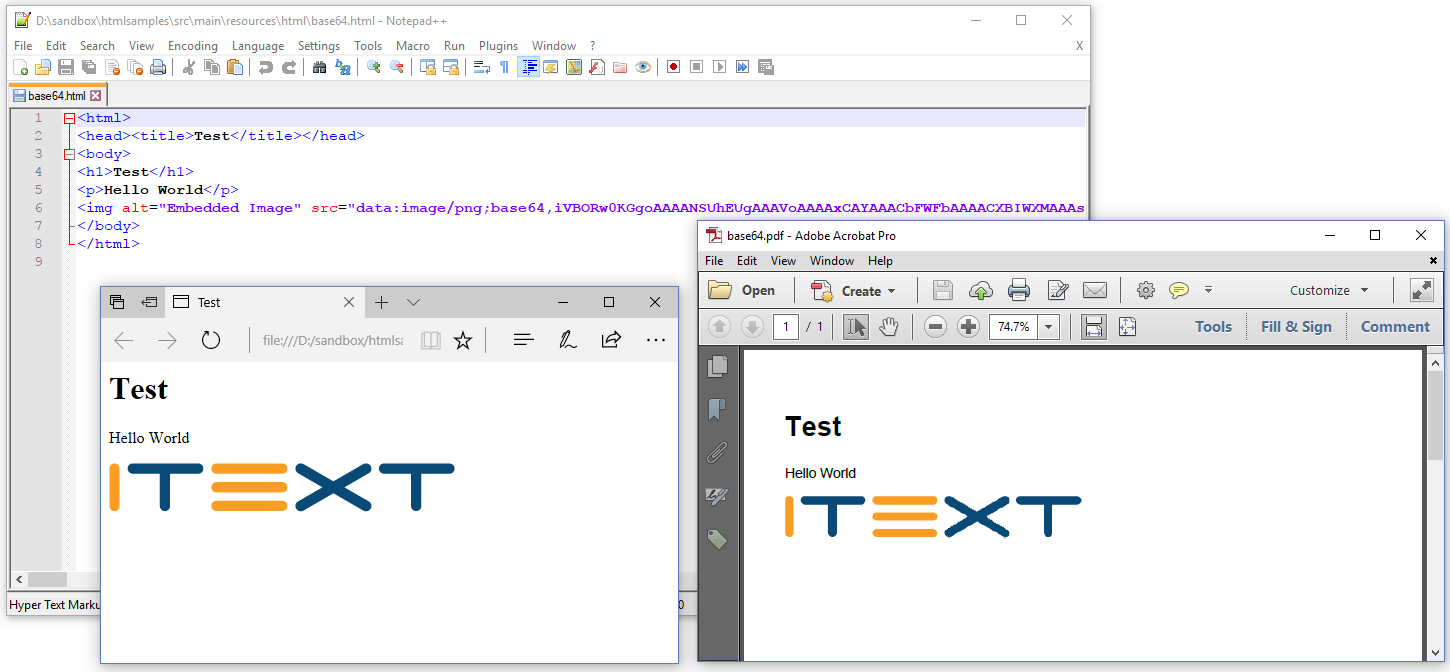
Yes, iText supports external images as shown in different examples in the previous chapters, but it also supports inline images stored as Base64 strings.
See for instance the C07E03_Base64Image (Java/.NET) example. There's nothing special in the createPdf()/CreatePdf() method.
Java
public void createPdf(String html, String dest) throws IOException {
    HtmlConverter.convertToPdf(html, new FileOutputStream(dest));
}


public void createPdf(string html, string dest)
{
	HtmlConverter.ConvertToPdf(html, new FileStream(dest, FileMode.Create));
}
The only thing that is special about this example, is the base64.html HTML file (note that the base64-encoded image was truncated to fit this page):
HTML
<html>
    <head><title>Test</title></head>
    <body>
        <h1>Test</h1>
        <p>Hello World</p>
        <img alt="Embedded Image" src="data:image/png;base64,iVBORw0...ErkJggg==" />
    </body>
</html>
The result is identical to what we had in chapter 1 when we used an external image.