
I have created a table which has 48 images. I put the images to the right side in the cell. Now I would like to put the number of the image in the same cell at the left side.
Here is my part of code :
for (int i = x; i 48; i += 4) {
  int number = i + 4;
  imageFilePath = "images/image" + number + ".jpeg";
  jpg = iTextSharp.text.Image.GetInstance(imageFilePath);
  jpg.ScaleAbsolute(166.11023622047 f, 124.724409448829 f);
  jpg.BorderColor = BaseColor.BLUE;
  string numberofcard = i.ToString();
  cell = new PdfPCell(jpg);
  cell.FixedHeight = 144.56692913386 f;
  cell.Border = 0;
  cell.HorizontalAlignment = Element.ALIGN_RIGHT;
  cell.VerticalAlignment = Element.ALIGN_MIDDLE;
  table5.AddCell(cell);
}
How could I insert the number of the image at the left corner of cell?
Posted on StackOverflow on May 9, 2014 by NickName
If you are using iText 7 I recommend to look at the TabStop class. You can create a paragraph and add some content to the left, then add tab stops and add some content to the right. Your code in Java will look like this:
Java
public void createPdf(String dest) throws IOException {
    PdfDocument pdfDoc = new PdfDocument(new PdfWriter(dest));
    Document doc = new Document(pdfDoc);
    Table table = new Table(2).setMargin(4);
    Cell cell;
    Image img;
    Paragraph p;
    for (int i = 1; i
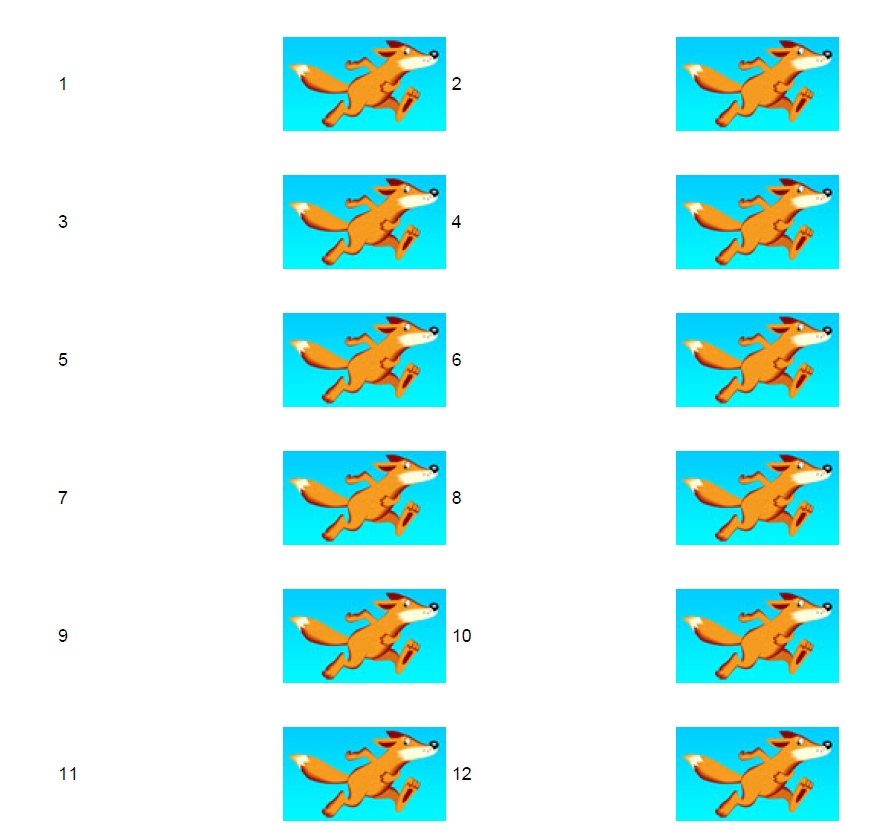
Here is a screenshot of the resulting PDF:
Click How to get text and image in the same cell? | iText 5 PDF Development Guide if you want to see how to answer this question in iText 5.