
This is independent from a data field's region.
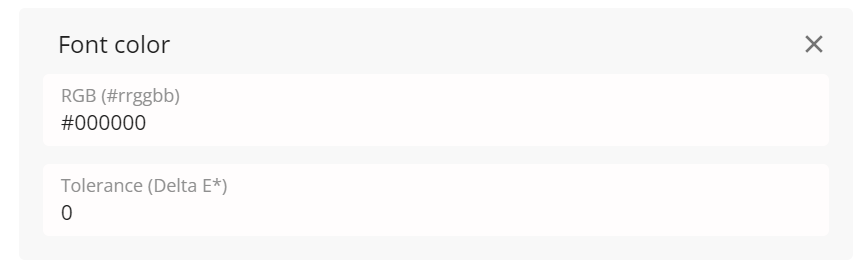
It selects all text with a given (approximate) RGB value, where the color comparison is calculated with a given tolerance value.
The RGB color value is defined in a case-insensitive HEX format with an optional # prefix, e.g. "#FFFFFF" and "ffffff" are both valid values of the color white. If the PDF document uses a non-RGB color model, a conversion to RGB is performed.
The tolerance corresponds to the DeltaE value in color difference computation. A value of 2 and below means that the colors are visually indistinguishable.
Codes for some basic colors.
#FFFFFF - white#000000 - black#CCCCCC - dark grey.#0000FF - blue#FF0000 - red#00FF00 - green
Expert mode keyword:
fontColor: rgb=#10DC4B, tolerance=1
Output data format:
characters